Configuring Process Intelligence Settings
The Settings page contains the four following tabs where you can configure Process Intelligence settings:
- General
- Test Frequency
- Administration
- View
To access the Settings page, click your user icon, and select Settings from the drop-down list.
General Tab
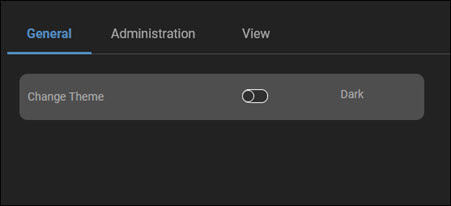
From the General tab, toggle the Change Theme option to your preference:
- Dark
- Light
Administration Tab
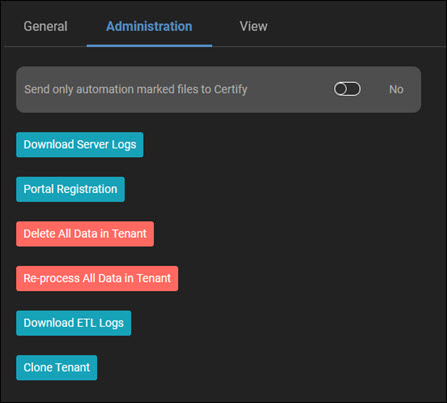
In the Administration tab, administrators can complete the following actions:
- Send only automation-marked data files to Worksoft Certify by toggling the No/Yes option
- Download server logs
- Register in the Worksoft Portal
- Delete all data in a tenant
-
Re-process all data in the tenant - To update the Process Intelligence version, administrators need to click this button.
-
Download Event Trace Logs (ETL)
-
Clone Tenant
View Tab
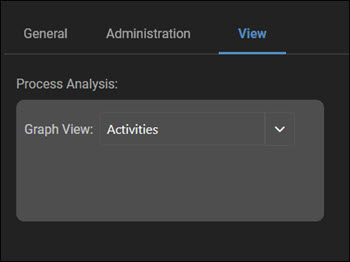
In the View tab, you can select one of the following views in the Business Process Visualization page:
- Activities
- Processes
 Related Topics